Everything around a professional 3D scanner.
What changed
- Scanning panel15 controls6
- Design to working UI2 days3 hours
- Complex featuresSpec firstTested prototype first
- Figma workspacesTwo, full of duplicatesOne, with one file structure
- Product manualsAssembled by hand, assets scatteredOne system for building them
- Leadership reportingBy handAutomatic
- HandoffFilesCode shipped to the website and the CRM
Overview
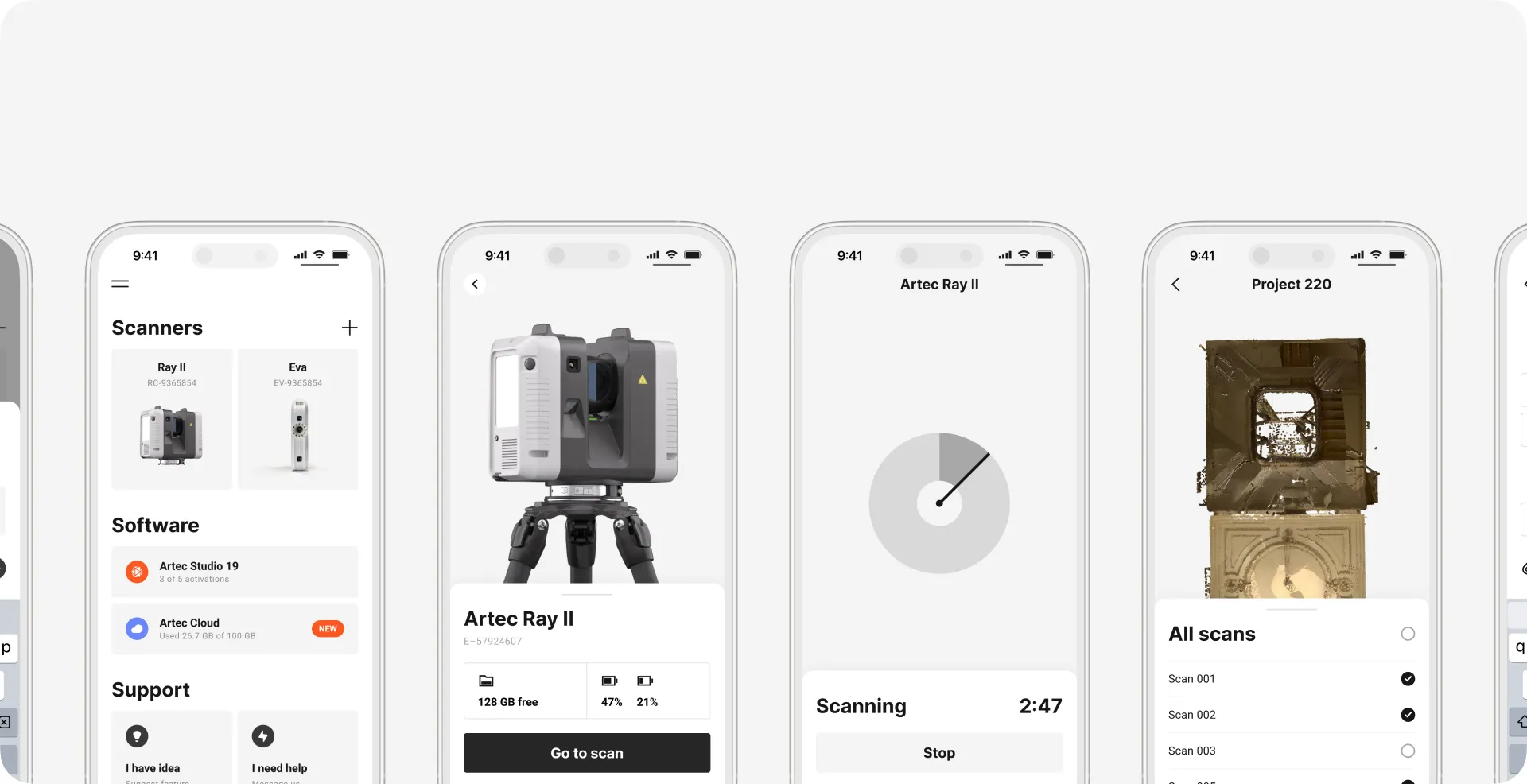
Artec 3D makes professional 3D scanners sold in 65+ countries. My work covers most of what a customer touches around them: the scanning software, the customer platform, the website, the documentation and details on the device itself. Inside the company I design the CRM and the data tools, and I run the design system.
On the device
Software
Web and docs
Inside the company
Underneath everything
Research that reached the hardware
The main scanning panel had 15 controls with inconsistent names. I cut it to 6 and moved the rest into contextual and advanced states. For the button on the Neo scanner, I prototyped every state and LED pattern, tested the build on a real device, and ran video interviews and surveys with users and with our trainers and support team. Both studies changed things outside the screen: how many physical buttons the hardware needs, how the LEDs behave, and the default scanning settings on mobile.
Outside the screen: Button count on the scanner · LED behaviour · Mobile scanning defaults
The design system
A cross-product system: 280+ components and patterns living in Figma, Storybook, Web Components and React. On products already using it, a page goes from design to working UI in about three hours. It used to take two days.
2 days → 3 hoursDesign to working UI
Design ops
I keep the design team’s tools in order. Two Figma workspaces had grown duplicates and dead folders; I moved everyone to one, with a structure people can find things in. Product manuals were assembled by hand, with labels and assets scattered across folders; I built a system for them: one place for every asset, one way to put a manual together.
Internal tools
The CRM is a business-critical platform that sales, management and leadership teams work in every day; manual reporting for leadership became automatic. Years of product telemetry had been sitting in engineers’ queries; I turned it into self-serve dashboards for design, research and management. I also built an internal AI analysis tool end to end.
By hand
Automatic
By hand
Automatic
Mobile
Offline scan viewing and editing, so the work doesn’t stop when the connection does. I also designed Gaussian Splatting generation, the Studio Light workflow, and photogrammetry from setup to result.
How I prototype
I start with research, then build a working prototype and test it in two or three rounds. After that it goes one of two ways. Some prototypes I take to production myself: my code goes to engineering for review and testing, then ships. Others are standalone artifacts for another team: the Neo button went to the hardware team with every state and LED pattern worked out and tested on a real device; our documentation site I rebuilt as a working prototype on a modern stack (Next.js, Payload CMS) to show what the move would look like.
A mockup shows the happy path. Roles, permissions, errors and what happens behind the screen stay in people’s heads and surface in development. A working prototype makes us decide them first.
2–3 rounds
Not everything went to plan
Two of our design systems drifted apart. Both web products were meant to build on the same open-source design system. We agreed on the look, not on how components are built, so one took only its visual style and the other its style and its structure. Keeping them in sync now costs time, and that’s how I came to maintain both. We’re converging them step by step. Next time I’d agree on tokens, naming and component structure before anyone builds.